This camera clipart page also covers the rest of the gadget drawer, with 16 pictures: cameras old and new, a cell phone, a classic telephone, a desktop computer, a laptop, a keyboard and mouse, a boxy TV, a friendly robot and a game controller. Every device is drawn plain and generic with no brand marks, and each file has a clear background, so it lays neatly over a slide, a lab sign or a club flyer.
Click Download PNG for a saved copy, or Copy to place a gadget into your document right away. The background preview helps you test a gray computer on a dark slide before you commit. Teaching a unit on getting around? Mix these with our travel clipart, or set a clock beside the phone from the clock and calendar clipart page.
Camera Clipart: Photo, Video and Security Cameras
Four cameras for four jobs. Use them for a photo day notice, a class video project, a yearbook club flyer or a sign that a room is being recorded.
A chubby teal camera smiles with a big round lens and a little flash on top. It is cheerful on picture day reminders and photo booth signs.
Try this Head a picture day letter to families with it, listing the date and a reminder to pack a comb.
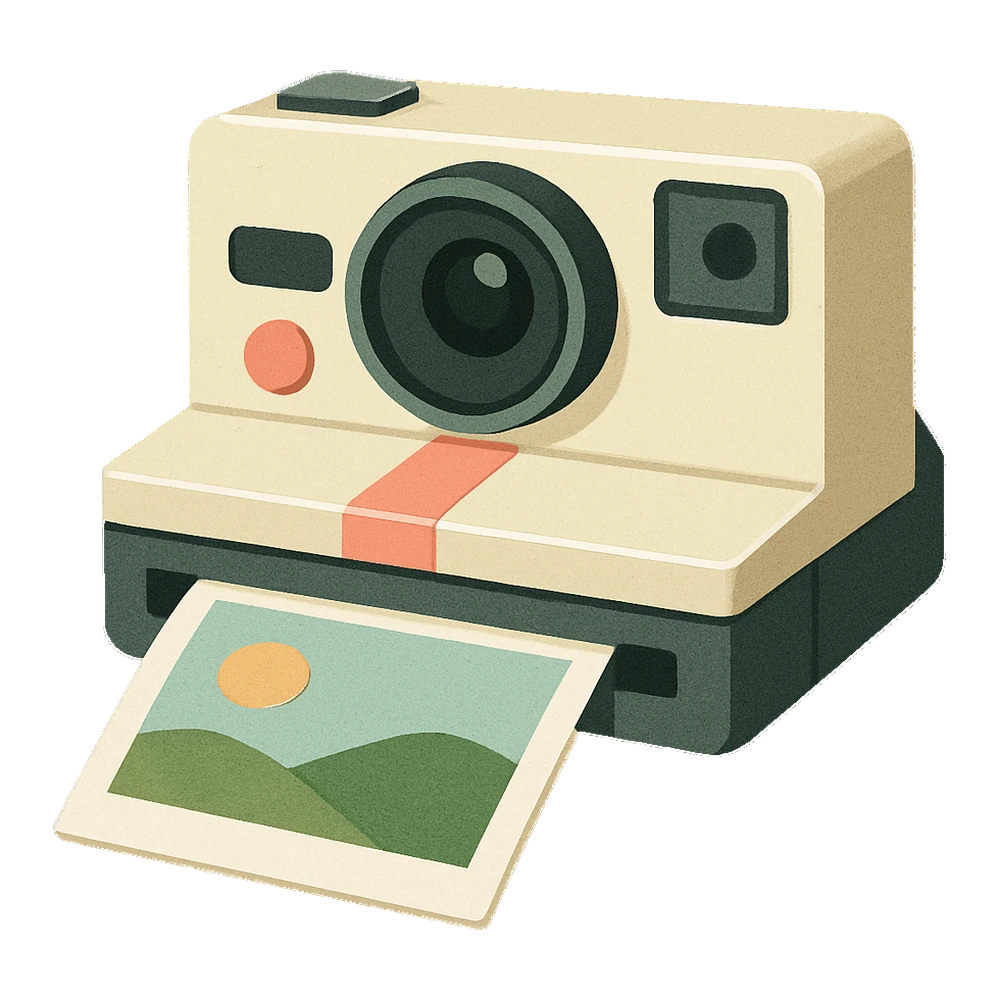
A cream instant camera pushes out a square photo with a white border. The soft old-fashioned colors suit memory books and photo walls.
Try this Decorate a June memory book cover with it, with a space for a class photo below.
A video camera sits on a three-leg tripod with a red record light. It is a good marker for a class film or a student news show.
Try this Post it on the door of the room where your fourth grade class films its morning news show.
A white security camera hangs from a wall arm with a tiny blinking light. It fits a sign saying an area is watched, or a lesson on safety.
Try this Add it to a digital safety slide for fifth graders that asks who can see what we post online.
Phone Clipart and Telephone Clipart
From a cell phone to a desk telephone with a curly cord, these show how calls have changed. Kids are always amazed by the old dial.
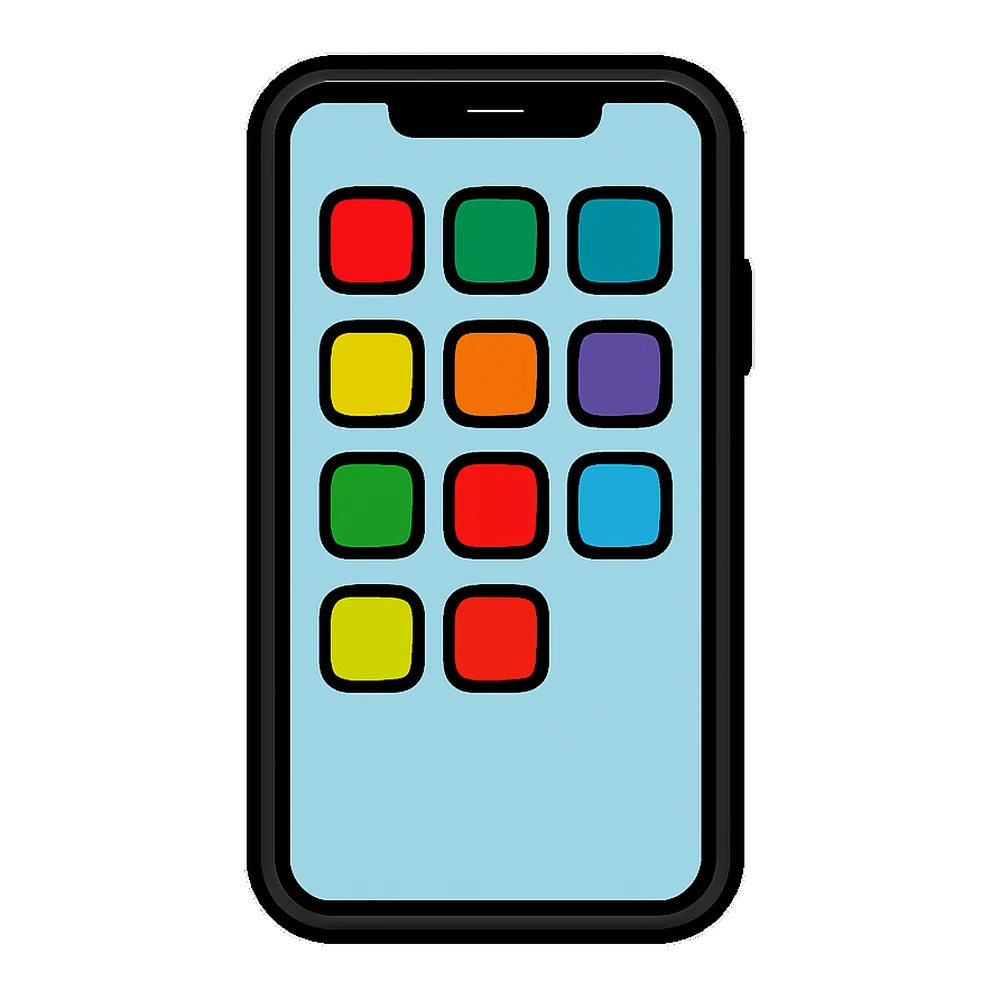
A modern cell phone stands upright with rounded corners and a screen of simple colored squares. It is handy on device rules posters.
Try this Add it to a classroom phone rules poster with a simple rule: phones stay in backpacks until the bell.
A shiny red rotary phone with a round dial and a curly cord. It is fun for history lessons on how things used to work.
Try this Show it next to the cell phone on a second grade then and now worksheet.
A pink phone with a happy face and two tiny hearts above it, with a thick white sticker border. Teens like it on planners.
Try this Print it on sticker paper and mark the days in a planner when you call a grandparent.
Computer Clipart and Laptop Clipart
A desktop, a laptop and the parts kids type and click with. These fit computer lab rules, tech units and typing practice pages.
A desktop computer with a blue screen, a tower, a keyboard and a mouse, in bold flat color. It works on computer lab signs.
Try this Use it on the computer lab door with the class schedule for each grade underneath.
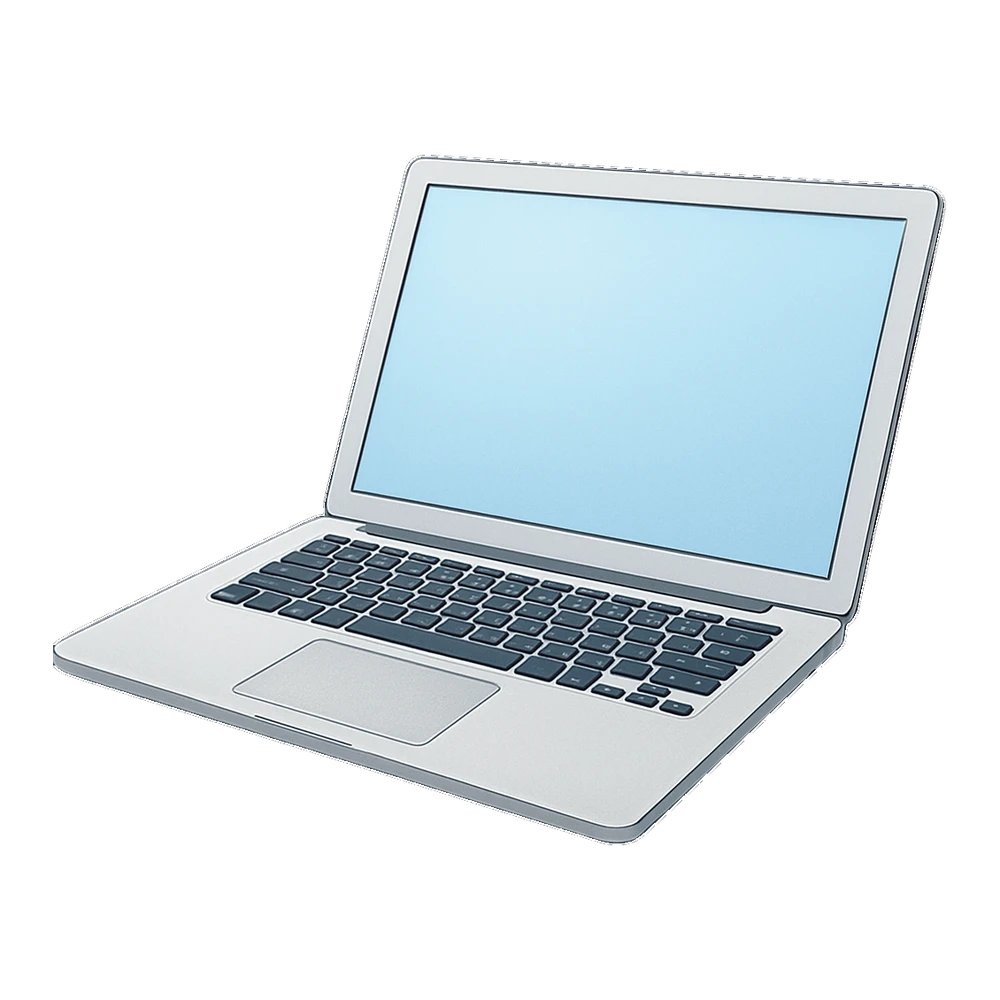
An open silver laptop with a glowing light blue screen, drawn with soft shading. It is a clean pick for school tech forms and slides.
Try this Add it to a laptop checkout form so students know to sign their name before taking one home.
A computer keyboard and a mouse with its cord, drawn in loose marker lines. It is a neat header for typing practice pages.
Try this Put it on a third grade typing practice sheet beside the home row keys to remember.
TV Clipart, Robot Clipart and Video Game Clipart
Screens, buttons and a robot friend. These three are kid favorites for game day signs, coding clubs and media lessons.
A boxy wooden TV with a rounded screen, two knobs and rabbit ear antennas. It is a fun pick for movie night and media lessons.
Try this Use it on a family movie night flyer with the show time and a reminder to bring a blanket.
A cute blue robot waves with one claw hand and blinks with round light eyes. It is a hit for coding clubs and STEM nights.
Try this Use it on a STEM night flyer next to the coding club table and the room number.
A purple game controller with a plus pad and four round colored buttons, inside a fat white trim line that scissors can follow.
Try this Add it to a reward chart so kids earn a short game break after five checked off tasks.
Technology Clipart Black and White
These print with black ink only and work for coloring, tracing or labeling. The solid handset has smooth curves that blades and scissors follow easily.
A simple camera outline with a big round lens and a strap. Kids can color it and add a picture in a frame beside it.
Try this Have students color the camera and draw what they would photograph on a nature walk.
A classic phone handset in solid black. It is a clear symbol for contact info on flyers and newsletters.
Try this Place it small beside the school office number at the bottom of a newsletter.
An open laptop drawn in clean black lines with a blank screen and keys. Use it for labeling parts or drawing on the screen.
Try this Ask second graders to label the screen, keyboard and trackpad, then draw their favorite learning game on the screen.
Technology Clipart Ideas by Grade
- Kindergarten and grade 1: Make a then and now sort with the rotary telephone and cell phone, and the retro TV and laptop.
- Grades 2 and 3: Label the laptop outline and the keyboard to learn computer parts. The robot works on a reward chart for typing goals.
- Grades 4 and 5: Use the security camera and phone for digital safety lessons. Our school clipart adds a classroom to the slide.
- Clubs and events: The video camera fits a news club, the game controller fits a game night, and the cute camera fits a yearbook team.
Why Our Gadgets Have No Logos
Every phone, camera, computer and controller here is drawn generic, with no brand names or logos. That keeps your worksheet neutral and fair, so no family feels a page is pushing one product. It also means you can use the pictures on school signs and flyers without worry about anyone's trademark.
If you need a gadget to look like a certain kind, add a simple label next to it, such as "tablet" or "school laptop".
Pairing Colors and Backgrounds With Gadget Clipart
| Picture | Background | Why |
|---|---|---|
| Silver laptop | Navy or deep teal | The silver shines on dark |
| Black cell phone | Pale yellow or white | Strong contrast |
| Retro TV and phone | Cream or kraft | Matches the old look |
| Blue robot | Light gray or orange | Fun and bold |
| Black silhouette | Any bright color | Clear icon shape |
Questions people ask
Is the camera clipart free to use in school?
It is. Classrooms, clubs, families and anyone working on an unsold project can use these gadgets freely, and credit is entirely your call. Please do not turn the files into a resale bundle or sell them on their own. A product, shirt or paid printable needs a quick yes from us first, so message us through Contact and tell us the plan.
Do these phone and computer clipart pictures show any brands?
No. Every phone, laptop, computer, camera and controller is generic, with no logos or brand names. That makes them safe for school handouts and signs.
Is there computer clipart black and white?
Yes. The laptop outline in the last group is made for coloring and labeling. The camera outline and the phone handset silhouette sit beside it, all in black ink only.
Do you have a robot clipart for a coding club?
Yes. The cute blue robot waves with one claw hand and has a light on its antenna. It looks great on a coding club flyer or a STEM night sign.
Which tv clipart works for a movie night?
The retro wooden TV with rabbit ear antennas is a fun pick. Add the show time and a popcorn picture beside it on a flyer.
Can I use the video game clipart on a reward chart?
Yes. The purple controller sticker is sized well for a chart. Print it about 1 inch wide and give a sticker after each finished task.