

This tools clipart set holds 12 drawn helpers for fixing, building, locking and lighting things up: a hammer, a wrench, a full toolbox, a hard hat, a traffic light, keys, a padlock, a keyboard delete key, a lamp, a bell and a light bulb. Every picture is a transparent PNG that drops cleanly onto worksheets, job charts and slides.
Tap Copy to place a wrench on your page in a second, or Download PNG to file it away for later. Check each one against chalkboard, kraft or a bold color with the background preview. Building a jobs unit? These pair well with our community helpers clipart, and the house clipart gives the builders something to work on.
Hammer, Wrench and Toolbox Clipart
Classic hand tools for a maker space, a simple machines lesson or a dad and grandpa day card. Each one is easy to recognize, even at stamp size.
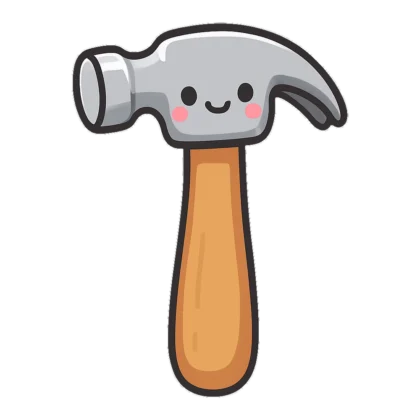
A cheerful hammer with a grin on its silver head and a honey colored handle. Little builders love it on a maker space sign.
Try this Put it on the woodworking center sign in a pre-K room and add the rule safety goggles on.
An adjustable wrench drawn in tidy black lines, jaw open, lying at a slant. Kids can color it or trace it.
Try this Add it to a grade 2 simple machines page and ask kids to label the handle and the jaw.
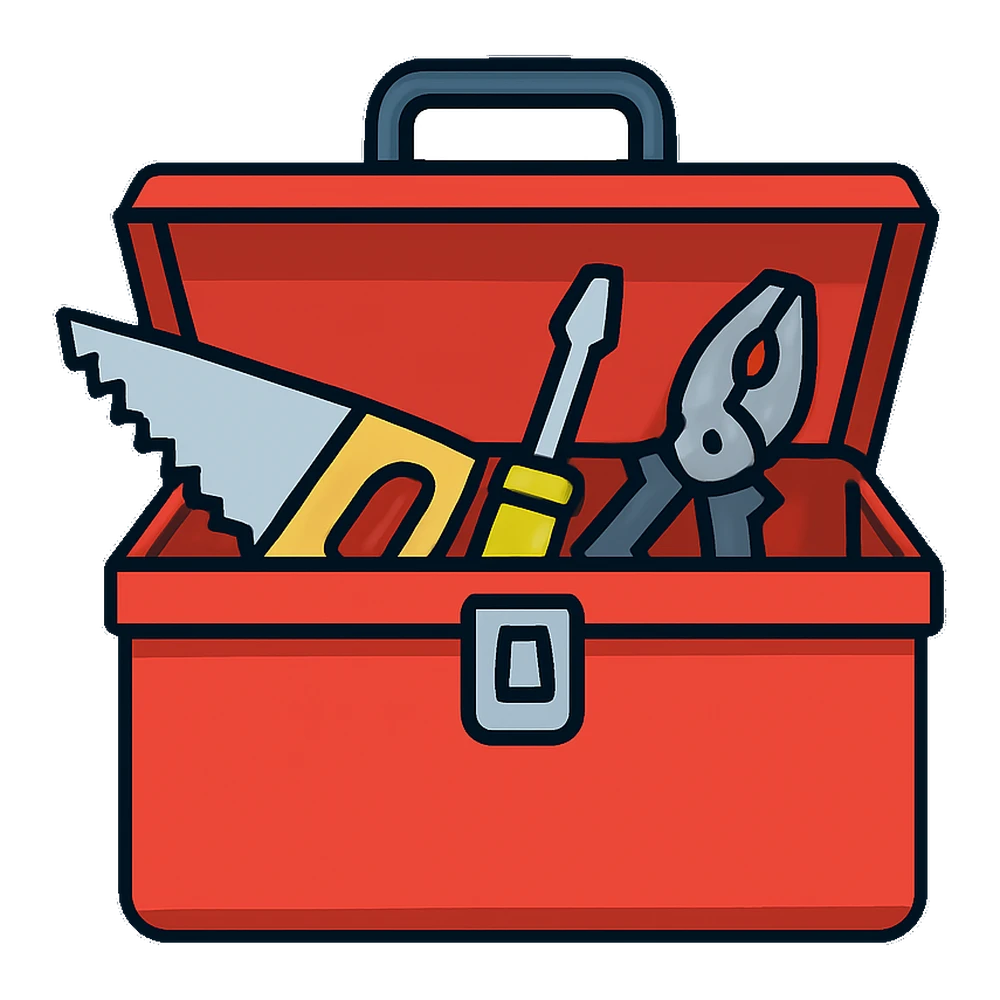
A red metal toolbox with a saw, a screwdriver and pliers sticking out of the open lid. It sums up fix-it day in one picture.
Try this Use it as the header on a family workshop flyer and list what to bring under the box.
Construction Clipart and Traffic Light Clipart
Hard hats and signals work for road safety talks, a builder pretend play center and stop and go behavior charts.
A yellow hard hat sits on top of an orange cone, inside a thick white sticker outline. It is a fun badge for a block center builder.
Try this Hand one to each child who cleans up the block area, then tally builder badges on a chart.
A tall traffic light with three round lamps, the green one glowing. Bold shapes keep it clear on a projector.
Try this Clip a clothespin beside each light to show the class voice level during center time.
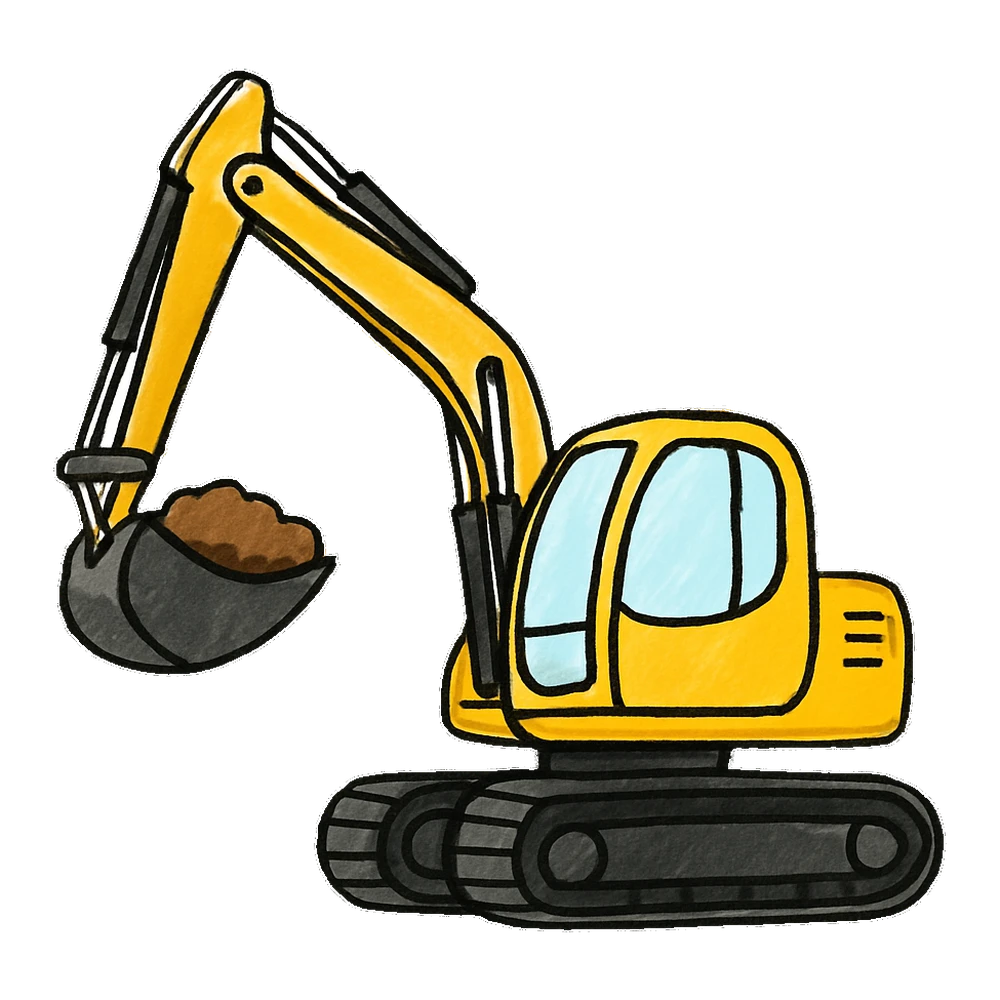
A small yellow digger lifts a scoop of brown dirt, drawn in loose marker lines. It brings energy to a dig site party invite.
Try this Print it on the front of a construction birthday invite and write dig in at the party time.
Key Clipart, Lock Clipart and the Delete Key
Keys and locks stand for safety, secrets and answers. The keyboard delete key is a favorite for computer lab rules and typing lessons.
Three keys hang from a round ring in a single flat black form. A blade glides around it easily and makes a crisp icon.
Try this Mark the teacher answer key folder with it so a sub can find the right sheets fast.
A round pink padlock with a happy face and a heart keyhole. It suits a locker label or a secret word game.
Try this Print this padlock on locker clipart name tags for a middle school welcome week door display.
One square keyboard key with a small left arrow, drawn in black lines. It is plain and clean for computer lab posters.
Try this Add it to a grade 3 typing skills chart beside the shift key and caps lock key.
Light, Lamp and Bell Clipart
Light bulbs mean big ideas, lamps mean reading time and bells mean the start of class. Use them as simple signals on any schedule.
A bright yellow light bulb with little rays around it, sketched in marker style. It is the go-to picture for good ideas.
Try this Head a bright ideas parking lot board with it and let students stick notes underneath.
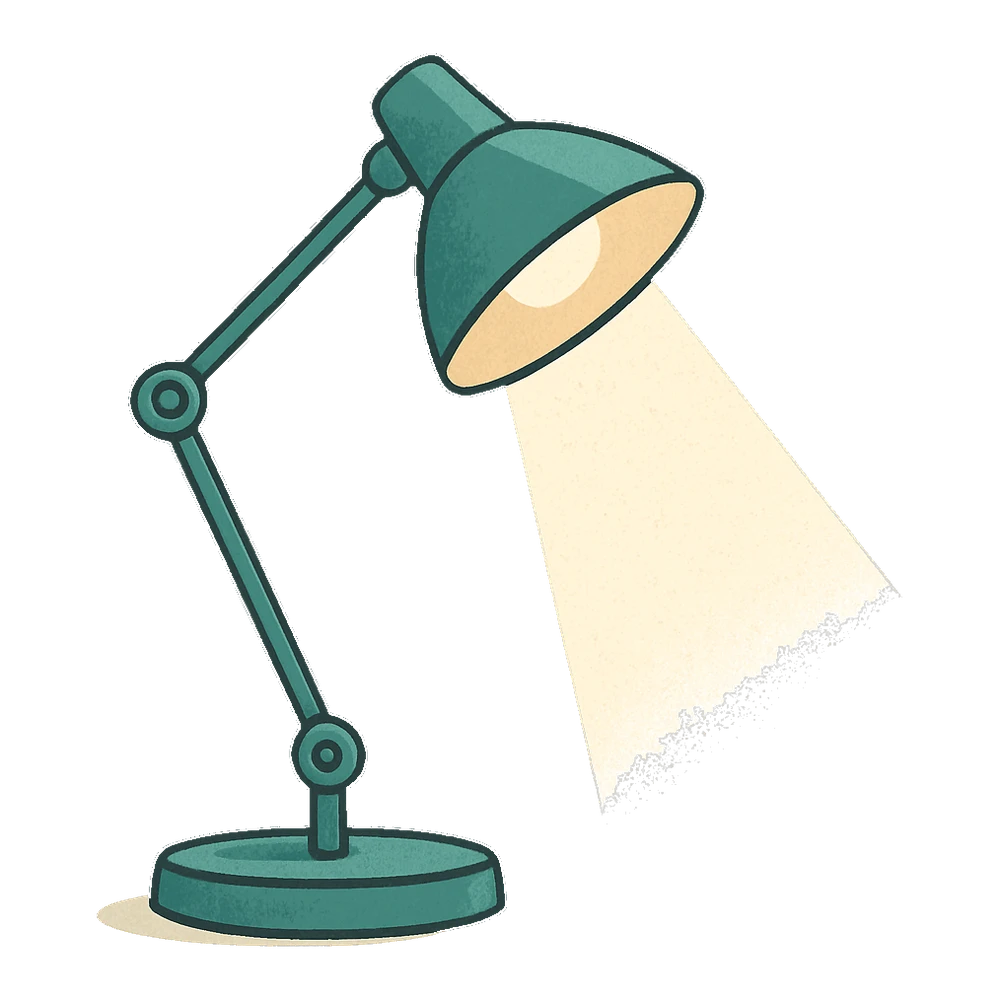
A teal desk lamp with a jointed arm and a soft beam of light, drawn in a mid-century look. It fits a cozy reading nook sign.
Try this Tape the lamp near your book corner beside a note that says the lamp is on, so quiet voices please.
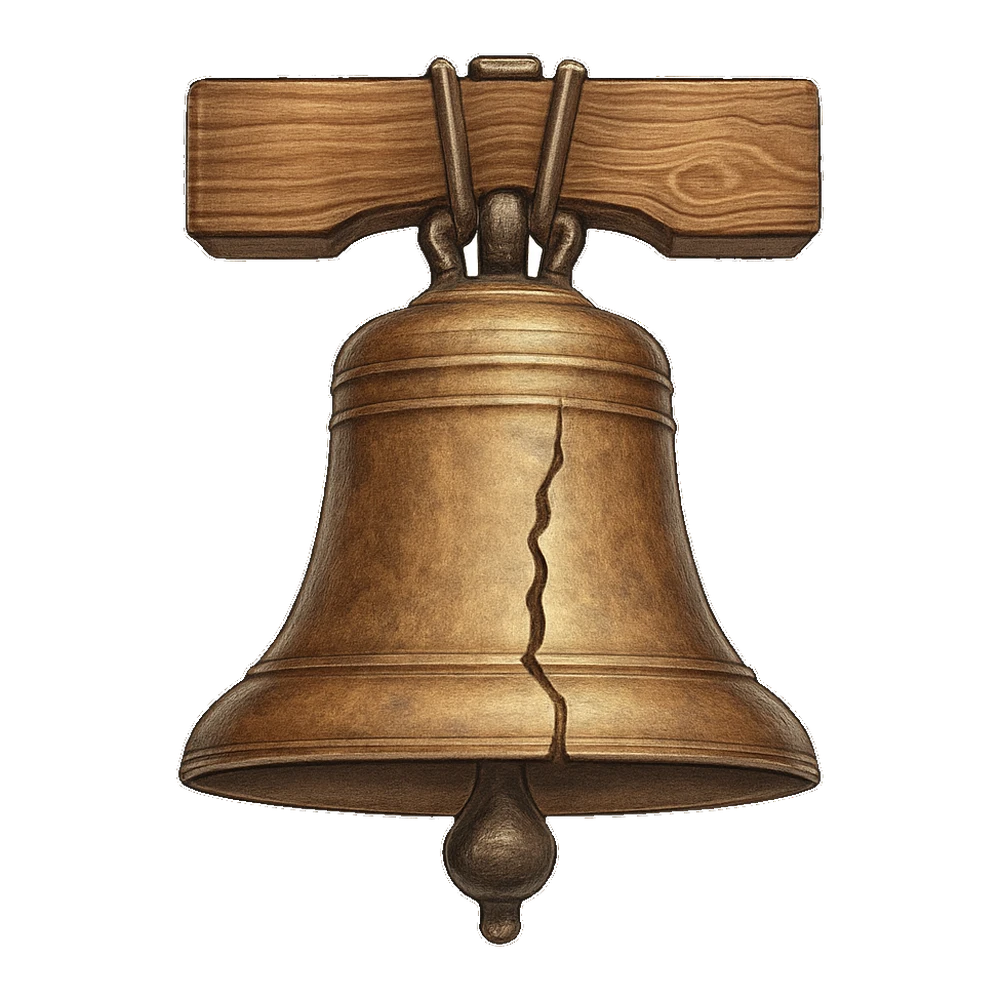
A heavy bronze bell with a long crack, hung from a wood beam. It looks like the Liberty Bell, so it suits US history slides.
Try this Use it on a fourth grade civics timeline next to a short paragraph about why bells rang in old towns.
Tool Clip Art Ideas by Grade
- Pre-K and kindergarten: Make a builder center with the cute hammer and hard hat. Label bins with the toolbox so kids know where each tool goes back.
- Grades 1 and 2: Use the traffic light for a stop, slow down and go reading strategy. Green means read on, yellow means reread, red means ask for help.
- Grades 3 and 4: The keyboard key outline and the light bulb fit a typing and coding unit. The cracked bell supports a social studies timeline.
- Grade 5 and up: Use the wrench and lock silhouettes on STEM challenge cards and escape room clues.
Got a STEM week coming? Our science clipart has lab gear to sit beside the tools, and the toys clipart page has building blocks for younger engineers.
Print and Cutting Tips for Tool Pictures
Each file is a square 1000 pixel PNG. Hold it to about 3 inches wide on paper at 300 dpi, and go as big as you like on a slide. Tools have thin parts, like a screwdriver tip or the teeth of a key, so they look best printed at 2 inches or larger.
For escape room games, print the key silhouette on gold or yellow cardstock and laminate it. A cutting machine handles the Silhouette key ring well, but slow the blade down at the teeth. For black and white coloring sheets, set the printer to grayscale so the outline wrench and delete key come out sharp and dark.
Which Tool Picture to Use Where
| Need | Best pick | Why |
|---|---|---|
| Class voice chart | Traffic light | Three clear colors kids already know |
| Brainstorm board | Light bulb | Means a new idea at a glance |
| Escape room clue | Key ring, padlock | Feels like a mystery |
| Maker space | Hammer, toolbox, wrench | Shows building and fixing |
| Schedule signals | Bell, lamp | Start of class and quiet time |
Questions people ask
Is the tools clipart free to download?
Yes. Teachers, parents, students and clubs can use every tool here for free on work that is not sold. Naming us is kind but never required. Do not put the pictures up for sale or repackage them as a set of your own. Planning a product to sell with a hammer or key on it? Our Contact page is the place to ask before you begin.
Where is the delete key clipart black and white?
Scroll to the key and lock group above. The single keyboard key is a clean outline that prints dark in grayscale, and you can write Delete, Shift or Caps Lock on it with a marker for a keyboard poster.
Do you have hammer clipart for kids?
Yes. The cute hammer has a smiling face and rounded shapes, so it is friendly for preschool. The toolbox also shows a hand saw and a screwdriver for older grades.
Can I use the traffic light clipart for a behavior chart?
It works well for that. Print it about 3 inches tall, laminate it and add a clothespin or magnet for each color. You can also use it for a reading or noise level chart.
Is there key clipart black and white for cutting?
The three key ring is a solid silhouette with crisp edges, so it cuts cleanly on paper or vinyl. Leave a little extra room around the teeth when you trim by hand.
Which lamp clipart or bell clipart suits a classroom schedule?
Use the retro desk lamp for quiet reading time and the bronze bell for the start of the day. Small picture cues like these help early readers follow a picture schedule.